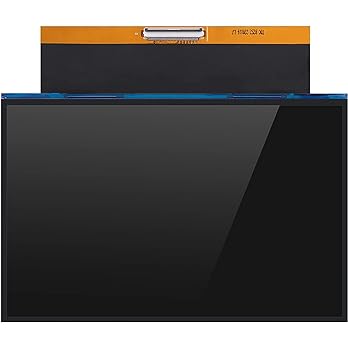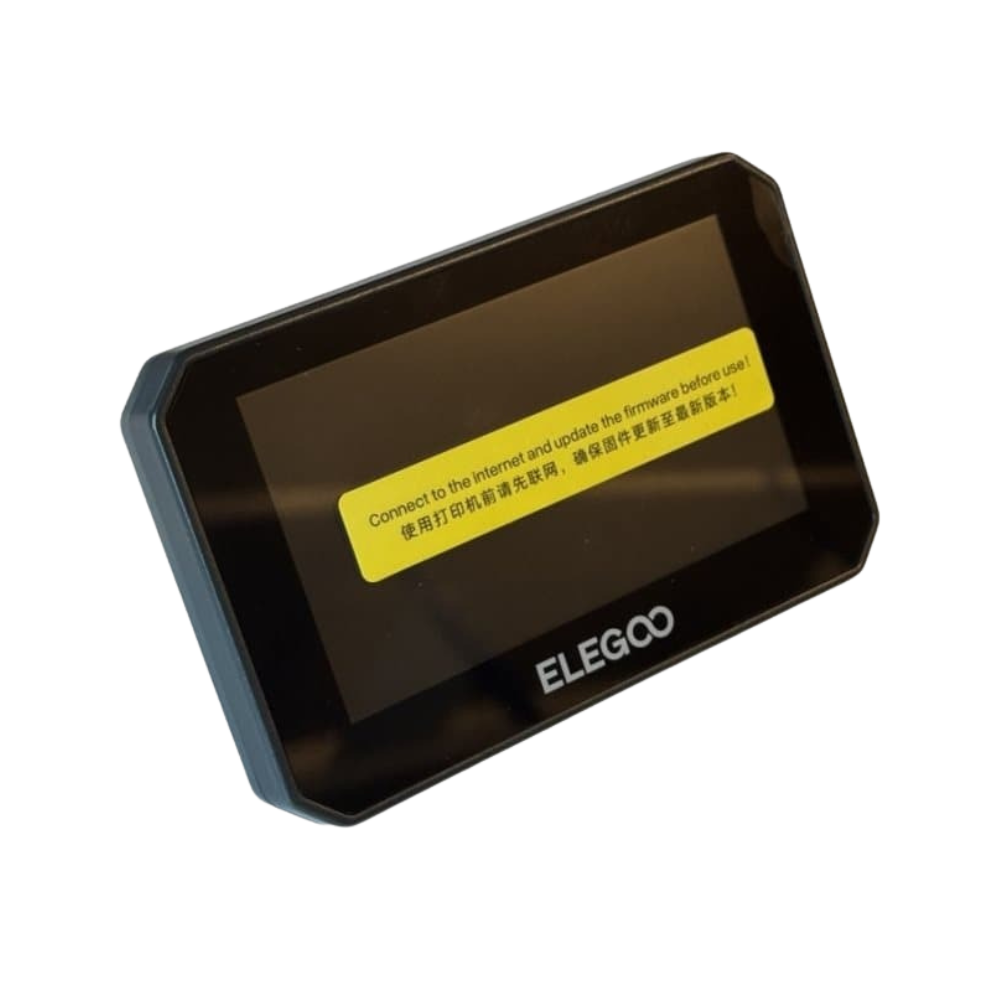
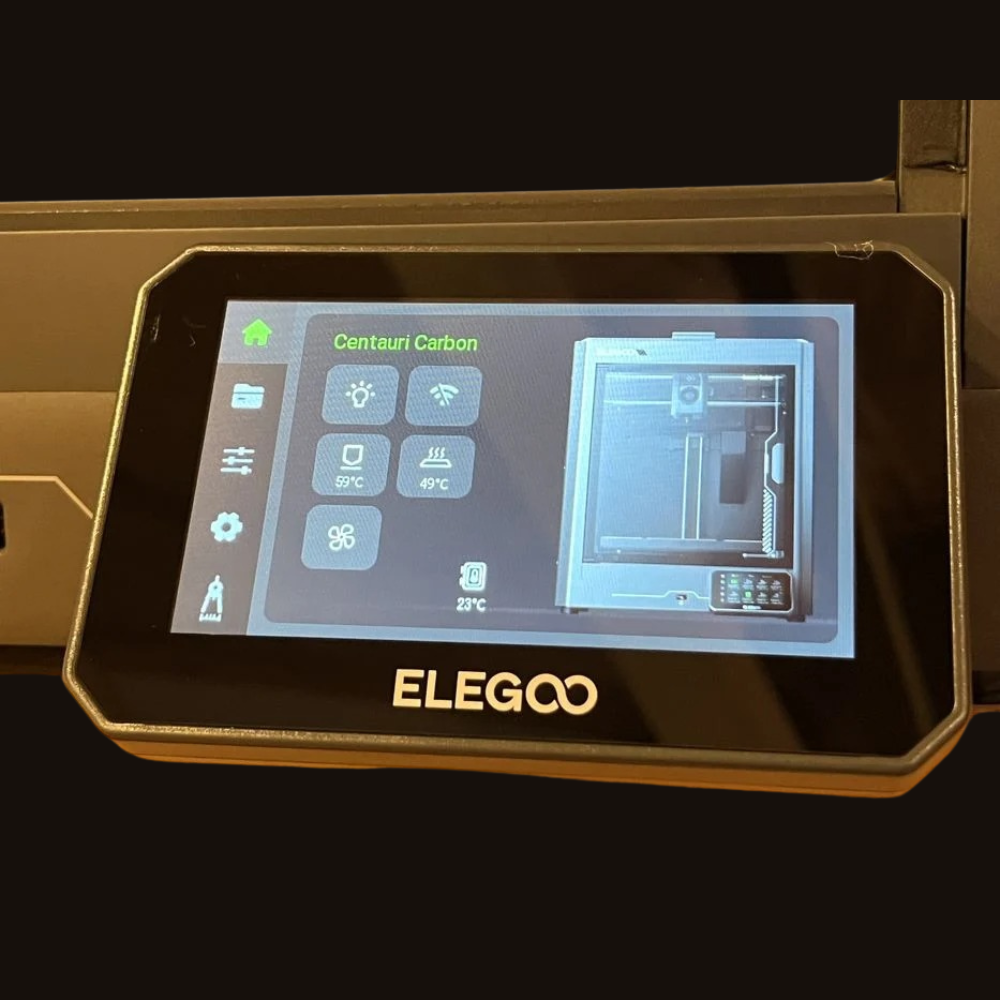
ELEGOO Centauri Carbon Touch Screen – Original OEM Display Module
₹2,999.00 Incl. of all taxes
Original ELEGOO Centauri Carbon Touch Screen display module designed for smooth printer control and reliable interface performance.
Restore Full Control with Genuine Display Module
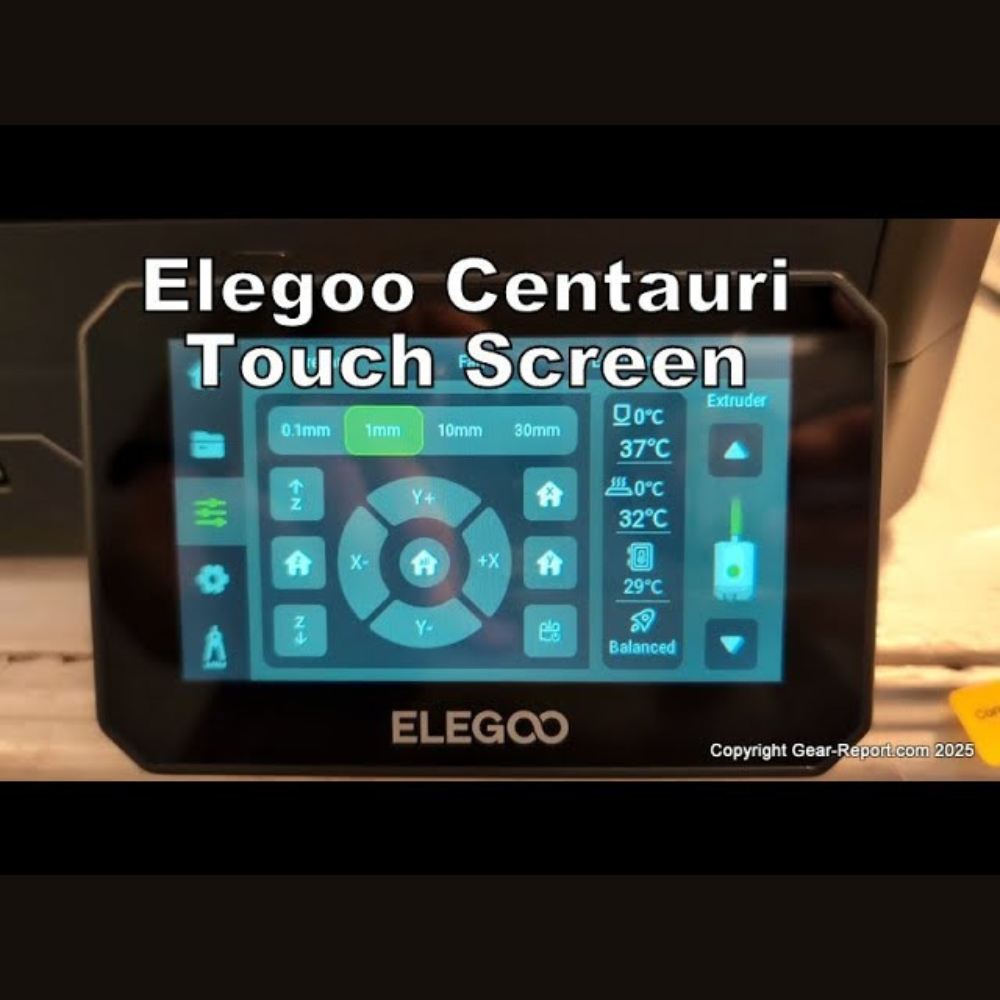
The ELEGOO Centauri Carbon Touch Screen is a genuine OEM replacement display module engineered specifically for the Centauri Carbon 3D printer. This interactive control panel provides direct access to printer settings, temperature controls, motion commands, and system monitoring.
A properly functioning ELEGOO Centauri Carbon Touch Screen ensures smooth navigation, accurate command execution, and reliable user interaction. If your display is unresponsive, flickering, cracked, not booting, or showing touch calibration issues, replacing the ELEGOO Centauri Carbon Touch Screen restores complete operational control.
This replacement module is manufactured to original ELEGOO specifications for guaranteed compatibility and stable system communication.
Compatible Model
Compatible with:
-
ELEGOO Centauri Carbon only
Not compatible with:
-
Neptune Series
-
Mars Series
-
Other ELEGOO printers
This display unit is designed exclusively for the Centauri Carbon control board and firmware.
Why the Touch Screen Is Important
The ELEGOO Centauri Carbon Touch Screen directly controls:
-
Temperature settings
-
Print job selection
-
Axis movement commands
-
Calibration procedures
-
System configuration
-
Error diagnostics
A faulty screen may cause:
-
Unresponsive touch input
-
Boot failure
-
Display flickering
-
Navigation errors
-
Interrupted print workflow
Installing a genuine ELEGOO Centauri Carbon Touch Screen ensures smooth interface response and reliable printer management.
OEM Construction & Direct Replacement
This display module offers:
-
Factory-calibrated touch sensitivity
-
Stable PCB communication
-
Secure mounting alignment
-
OEM ribbon cable connection
-
Direct plug-and-play installation
No firmware modification is required after installation.
Installation Overview
Basic installation steps:
-
Power off and unplug the printer
-
Remove rear cover panel
-
Disconnect existing screen cable
-
Install new ELEGOO Centauri Carbon Touch Screen
-
Secure mounting screws
-
Reconnect cable and close housing
-
Power on and verify interface functionality
Professional installation is recommended for safe handling.
Why Buy from Protomont Technologies
-
Genuine ELEGOO spare part
-
Official distributor support
-
GST invoice provided
-
Secure packaging
-
Fast dispatch across India
-
Trusted 3D printer spare parts supplier
-
Reliable after-sales assistance
| Specification | Details |
|---|---|
| Brand | ELEGOO |
| Product Name | Centauri Carbon Touch Screen |
| Display Type | LCD Touch Display Module |
| Compatible Model | Centauri Carbon |
| Installation Type | Direct OEM Replacement |
| Connection Type | Ribbon Cable Connector |
| Mounting | Screw Mounted Panel |
| Firmware Update Required | No |
| Function | Printer Control Interface |
| Application | 3D Printer Spare Part |