ELEGOO Neptune 4 /4 Pro EMMC Chip – Original Firmware Storage Replacement
Original price was: ₹1,399.00.₹1,259.10Current price is: ₹1,259.10. Incl. of all taxes
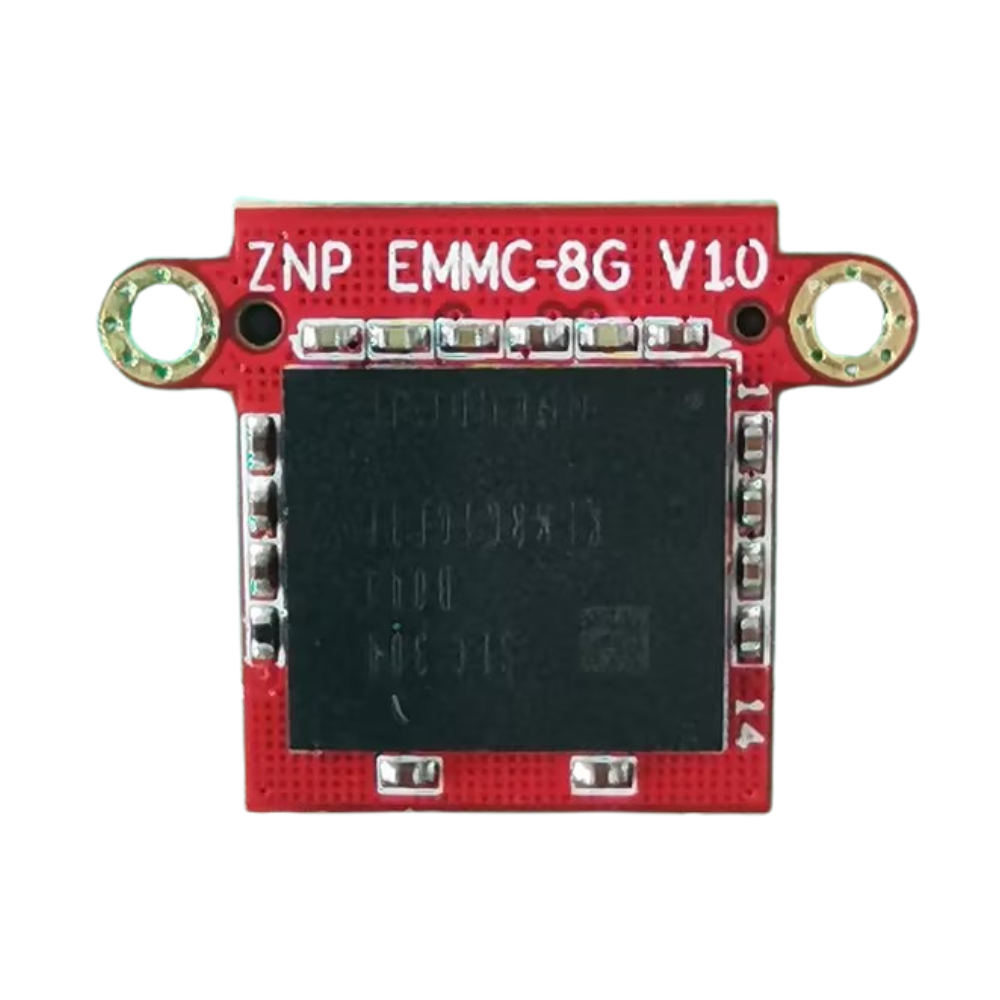
The ELEGOO Neptune 4 /4 Pro EMMC Storage Module is an original internal firmware storage component engineered exclusively for the ELEGOO Neptune 4 /4 Pro 3D printer. This module functions as the primary system memory unit, storing the operating system, printer firmware, motion parameters, configuration files, and touchscreen interface data.
If your Neptune 4 /4 Pro fails to boot, becomes stuck on the startup screen, cannot complete firmware updates, or experiences system corruption errors, replacing the ELEGOO Neptune 4 /4 Pro EMMC Storage Module can restore normal printer operation.
Protomont Technologies LLP is an authorized distributor of ELEGOO spare parts in India, supplying genuine components with GST-compliant invoicing and technical support.
When Replacement Is Required
You may need to replace the ELEGOO Neptune 4 /4 Pro EMMC Storage Module under the following conditions:
-
Printer fails to boot due to firmware corruption
-
Firmware flashing via USB cable repeatedly fails
-
Machine is not detected during firmware recovery
-
Persistent startup loop or black screen
-
System failure after interrupted firmware update
Because the EMMC module contains the internal operating system, any corruption at this level prevents the printer from initializing hardware and executing print commands.
Function and Importance
The ELEGOO Neptune 4 /4 Pro EMMC Storage Module serves as the printer’s main firmware storage device. It manages:
-
Operating system files
-
Motion control parameters
-
Calibration data
-
Touchscreen interface system
-
Machine configuration
Without a functioning EMMC module, the Neptune 4 /4 Pro cannot complete startup diagnostics or load firmware.
Replacing the module restores firmware-level functionality without requiring motherboard replacement.
Model-Specific Design
The ELEGOO Neptune 4 /4 Pro EMMC Storage Module is designed specifically for:
-
ELEGOO Neptune 4 /4 Pro only
Installation Overview
Replacement requires basic tools and careful handling.
Tools Required
-
Philips screwdriver
-
Replacement ELEGOO Neptune 4 /4 Pro EMMC Storage Module
Basic Procedure Summary
-
Power off and unplug the printer
-
Remove bottom cover screws
-
Disconnect motherboard cooling fan
-
Unscrew and remove existing EMMC module
-
Insert new module vertically into slot
-
Secure with fixing screws
-
Reconnect fan and reassemble cover
-
Power on and perform bed leveling
Anti-static precautions are recommended during handling.
Why Buy from Protomont Technologies
As an authorized ELEGOO distributor in India, Protomont Technologies LLP provides:
-
Genuine ELEGOO spare parts
-
Secure packaging
-
GST invoice
-
Technical installation guidance
-
Reliable spare part sourcing
The ELEGOO Neptune 4 /4 Pro EMMC Storage Module is a critical replacement component for resolving boot failures and firmware corruption issues. By installing a genuine ELEGOO module, Neptune 4 /4 Pro users can restore stable printer operation quickly and efficiently without replacing the entire motherboard.
For system-level firmware failures, the ELEGOO Neptune 4 /4 Pro EMMC Storage Module offers a precise and dependable solution.
| Specification | Details |
|---|---|
| Brand | ELEGOO |
| Product Name | ELEGOO Neptune 4 /4 Pro EMMC Storage Module |
| Compatible Printer | Neptune 4 /4 Pro |
| Function | Firmware and Operating System Storage |
| Storage Type | EMMC Flash Memory |
| Mounting Method | Dual Screw Fixing |
| Connection Interface | OEM Pin Connector |
| Access Location | Bottom Panel |
| Firmware Support | Neptune 4 /4 Pro Firmware Only |
| Installation Tool | Philips Screwdriver |
| Service Type | Replaceable Internal Component |
Related products
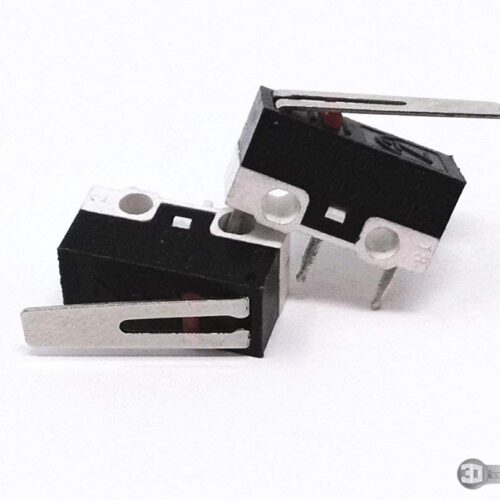

Limit Switch without wire
Original price was: ₹549.00.₹494.10Current price is: ₹494.10. Incl. of all taxes

Heat Sink Aluminium Block
Original price was: ₹749.00.₹674.10Current price is: ₹674.10. Incl. of all taxes

DLP Magentic Build Plate (196X126mm)
Original price was: ₹1,249.00.₹1,124.10Current price is: ₹1,124.10. Incl. of all taxes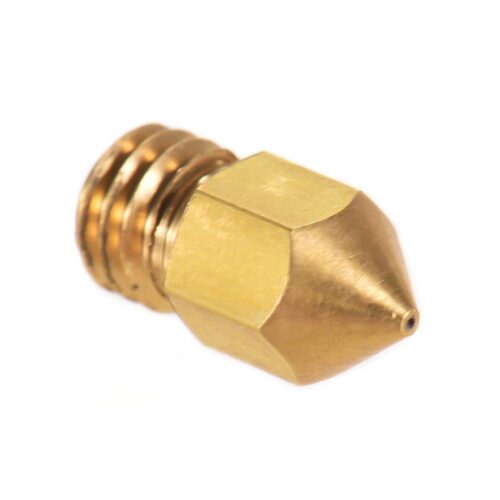

Protomont M6 Thread Extruder Nozzle for 3D Printer (0.4mm)
Original price was: ₹299.00.₹269.10Current price is: ₹269.10. Incl. of all taxes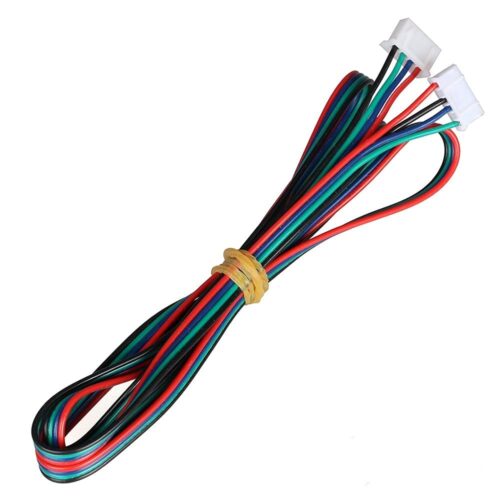

Protomont Stepper Motor Cable Connector
Original price was: ₹199.00.₹179.10Current price is: ₹179.10. Incl. of all taxes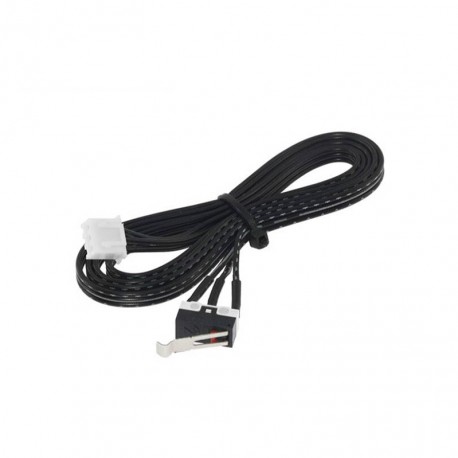

Protomont 3 Pin PCB Lever Limit Switch (Pack of 3)
Original price was: ₹549.00.₹494.10Current price is: ₹494.10. Incl. of all taxes

Protomont PTFE Tube for 3D Printer
Original price was: ₹249.00.₹224.10Current price is: ₹224.10. Incl. of all taxes