Pre-Order

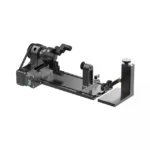
xTool F1/F2 Slide Extension
₹29,799.00 Incl. of all taxes
The xTool F1/F2 Slide Extension is a versatile accessory designed to expand the working area of compatible xTool laser engraving machines, making it easier to process longer materials and handle batch engraving projects. Designed for the xTool F1, F1 Lite, and xTool F2, this slide extension expands the available working area to 115 × 400 mm, providing a larger workspace compared with the standard 115 × 115 mm area of the xTool F1 and F2.
Whether you operate a small laser engraving business, personalization studio, gift shop, manufacturing unit, or creative workshop, the xTool Slide Extension can help you increase production flexibility while maintaining the precision and workflow associated with your xTool laser engraver.

Expand Your xTool Laser Engraving Workspace
The standard working area of the xTool F1 is 115 × 115 mm. With the xTool F1 Slide Extension, the processing area increases to 115 × 400 mm, giving you considerably more room for longer materials and batch-processing applications. The xTool F2 also supports the same 115 × 400 mm extended working area when the Slide Extension is installed.
This expanded workspace is particularly useful for products that are longer than the standard laser bed. Instead of manually repositioning smaller objects or limiting your designs to the standard work area, the Slide Extension allows compatible xTool machines to process longer workpieces and multiple items in sequence.
Ideal for Batch Laser Engraving
One of the major benefits of the xTool F1/F2 Slide Extension is its suitability for batch production. Businesses can place multiple compatible products on the extension and process them sequentially, helping create a more efficient personalization workflow.
The accessory can be useful for applications such as:
- Personalized keychains
- Nameplates
- Metal tags
- Wooden signs
- Acrylic products
- Promotional merchandise
- Corporate gifts
- Personalized gifts
- Small wooden products
- Leather products
- Metal plates
- Long engraving projects
- Batch engraving orders
- Buy xTool Accessories through Protomont Technologies
xTool’s support documentation also provides workflows for processing multiple materials with the Slide Extension, including batch processing of the same and different designs.
For businesses handling multiple customized orders, this can help reduce repeated setup and repositioning, making the laser engraving process more streamlined.

115 × 400 mm Extended Working Area
The xTool Slide Extension working area measures 115 × 400 mm. This gives users a substantially longer processing space while retaining the compact footprint and workflow of the F1/F2 ecosystem.
The extension is particularly useful when engraving longer pieces or arranging several small products in a production line. The extended area can effectively provide a conveyor-like workflow for batch engraving applications.
For the xTool F2, xTool specifically describes the extended 115 × 400 mm area as suitable for batch production and long materials.
Process 500+ Materials
The xTool Slide Extension is designed to retain the broad material-processing capabilities of compatible xTool laser engravers. xTool states that the extension supports 500+ types of materials, including materials such as acrylic, wood board, slate, and metal plates.
This makes the accessory suitable for a wide range of laser engraving and cutting applications. Depending on the laser machine, material, thickness, and processing parameters, users can work on different materials for personalized products and commercial projects.
Always perform material tests when using third-party materials, as actual engraving and cutting results can vary depending on material composition and environmental conditions.

Five Clamps for Secure Material Positioning
The xTool F1 Slide Extension comes with five clamps designed to help secure materials during processing. Two clamps can be positioned in the edge slots, while three additional clamps can be used in different configurations to hold thicker or differently shaped projects.
Secure material positioning is especially important during laser engraving because movement can affect alignment and reduce the quality of the final result. The included clamps provide additional flexibility when working with different material sizes and shapes.
Convenient Scale Rulers for Alignment
The Slide Extension includes scale rulers that help users identify material positions and coordinates. Buy xTool India states that the extension provides both millimeter and inch measurements, making it easier to position materials accurately without additional calculations.
Accurate positioning is particularly valuable for batch engraving, where maintaining consistent placement across multiple products can improve production efficiency and reduce alignment errors.

Easy Setup and Calibration
The xTool F1 Slide Extension comes preassembled, so users do not need to perform extensive mechanical assembly before use. xTool states that the extension can be taken out of the box and connected using the supplied cable, followed by the required software setup and calibration.
The calibration process helps align the laser system with the extension’s positioning system. For the F2, xTool specifically recommends installing the extension correctly, rerunning autofocus, enabling Slide Extension mode in xTool Studio, and ensuring the components are parallel and level.
Manual and Automatic Focusing
The Slide Extension supports focusing workflows designed to work with compatible xTool machines. xTool states that manual/auto focus and frame/outline preview can be used with the extension.
This makes it easier to check the position of the engraving before starting the job and helps users achieve more consistent placement across longer or multiple materials.
Why Choose the xTool Slide Extension?
The xTool F1/F2 Slide Extension is an excellent accessory for users who want to get more productivity from a compact laser engraving machine. Its 115 × 400 mm working area provides additional space for long materials and batch-processing workflows without requiring a completely different laser machine.
With five material clamps, integrated scale rulers, focusing and framing support, and compatibility with the xTool F1, F1 Lite, and F2, the Slide Extension provides a practical way to expand your laser engraving capabilities.
For hobbyists, creators, small businesses, personalization studios, and professional engravers, it can make the transition from individual engraving jobs to repeatable batch production easier.
Buy xTool F1/F2 Slide Extension by Protomont Technologies
If you are looking for an xTool F1 Slide Extension, xTool F2 Slide Extension, or xTool laser engraver working area extension, xTool accessories, buy through Protomont Technologies, an authorized xTool distributor in India. This accessory is designed to help you process longer materials and multiple products more efficiently.
Expand your workspace, improve batch engraving productivity, and unlock new possibilities for personalized products with the xTool F1/F2 Slide Extension.
Product Type: Slide Extension / Working Area Extension
Compatible Machines: xTool F2, F1, F1 Lite
Extended Working Area: 115 × 400 mm
F1 Standard Working Area: 115 × 115 mm
F2 Standard Working Area: 115 × 115 mm
Material Support: 500+ material types, depending on the machine
Clamps: 5
Ruler Measurement: mm and inch
Focus: Manual/Auto focus depending on compatible machine
Applications: Engraving, cutting, batch processing
Related products
Pre-Order
Pre-Sale xTool WonderPress The First 3D Auto Heat Press with Switchable Creativity
Price range: ₹57,999.00 through ₹128,999.00 Incl. of all taxes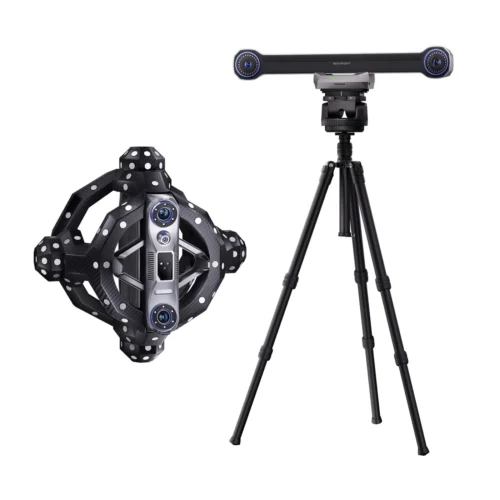
Pre-Order
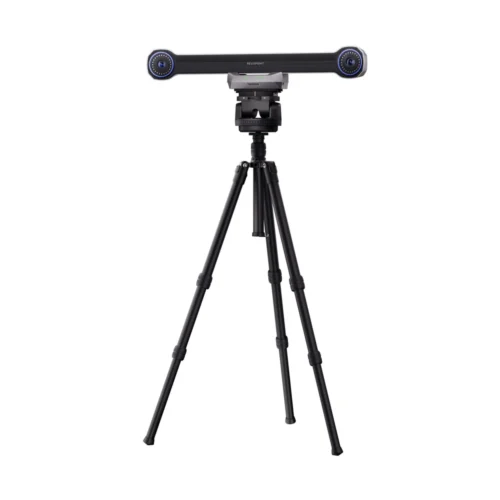
Revopoint Trackit: Optical Tracking 3D Scanner for Marker-free Scans
₹614,999.00 Incl. of all taxes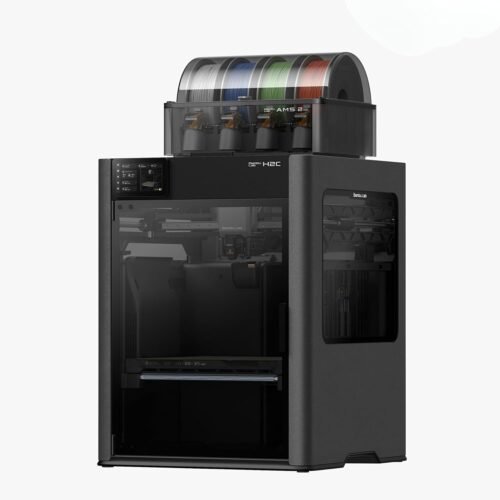
Pre-Order
Bambu Lab H2C Multi-Color FDM 3D Printer – Uncompromising Multi-Material Performance
Price range: ₹285,999.00 through ₹309,999.00 Incl. of all taxes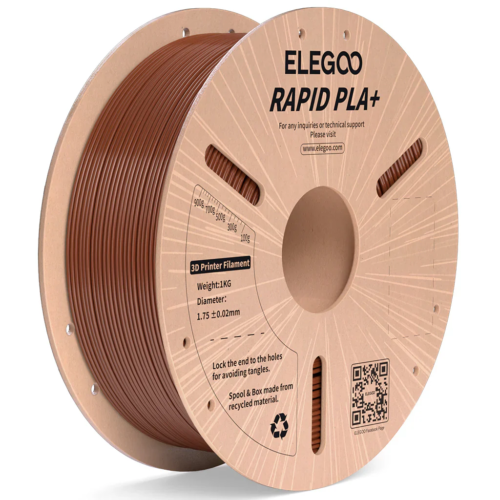
Pre-Order
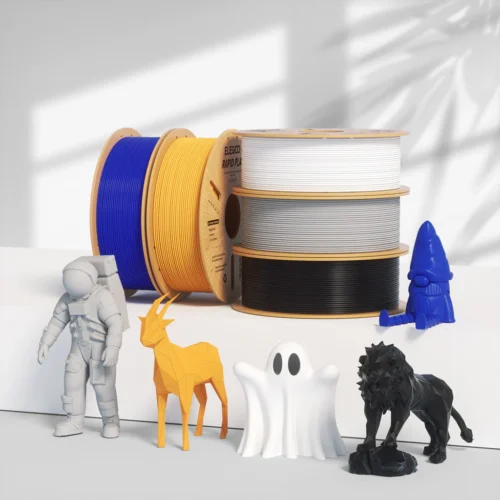
ELEGOO Rapid PLA Plus 3D Printer Filament (Brown) – 1.75mm, 600mm/s High-Speed Printing, 1kg Spool
₹999.00 Incl. of all taxes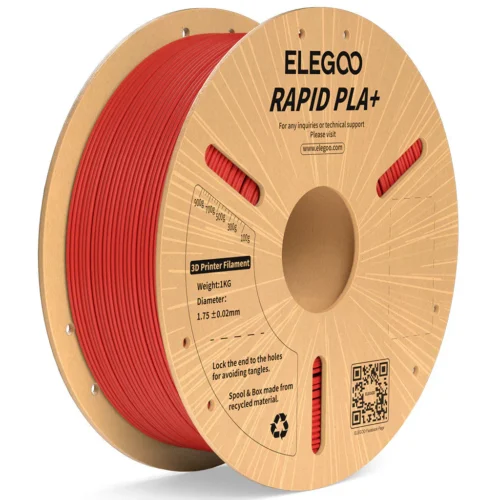
Pre-Order
ELEGOO Rapid PLA Plus 3D Printer Filament (Red) – 1.75mm, 600mm/s High-Speed Printing, 1kg Spool
₹999.00 Incl. of all taxes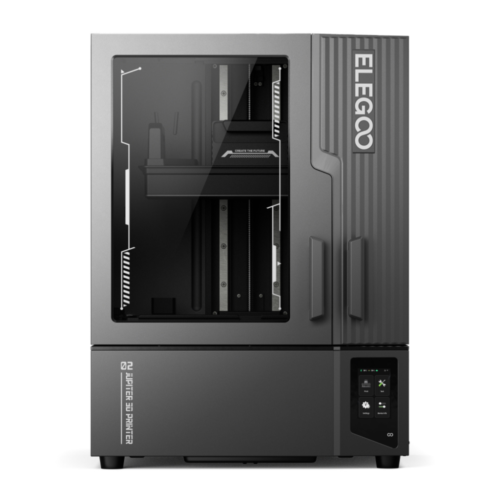
Pre-Order
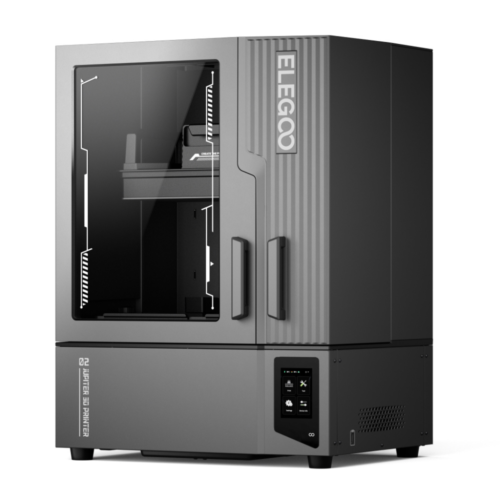
ELEGOO Jupiter 2 3D Printer – AI Monitoring, Auto Leveling & Ultra Smooth Printing
₹105,999.00 Incl. of all taxes
Pre-Order
Revopoint INSPIRE – Lightweight, Portable & Cost-Effective 3D Scanner for High-Precision 3D Printing
₹42,999.00 Incl. of all taxes
Pre-Order